
Building and sending trades
How does Smart Fill work in Optiverse?
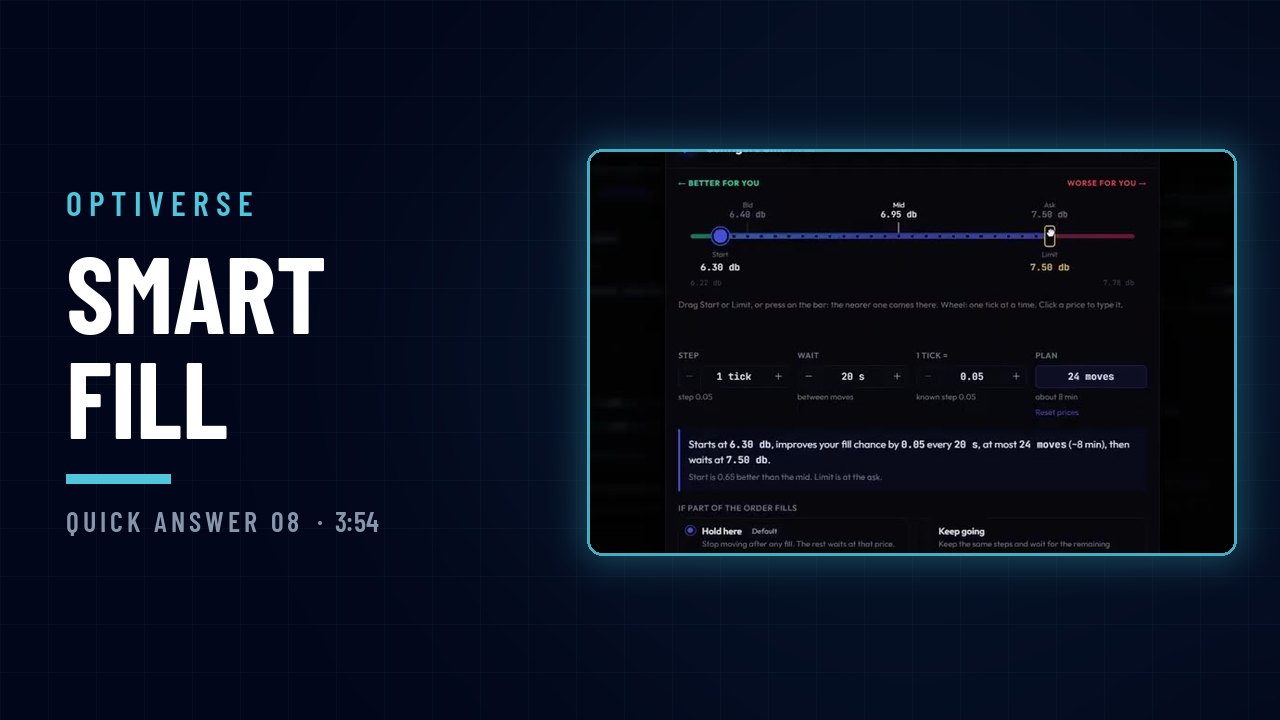
Video by the Optiverse team, shared with permission. Intro and outro by Steve Ganz.
37 days of Optiverse Premium free, or 10% off your first payment. Get Steve’s code →
Smart Fill is Optiverse’s way of working a limit order for you. You set a starting price, a limit you won’t go past, how long to wait and how far to move each time. If the order doesn’t fill, Optiverse adjusts the price step by step until it fills or reaches your limit.
Stage or Send
With Interactive Brokers you get two buttons. Stage passes the order to Interactive Brokers without transmitting it, so you can review it and send it from Trader Workstation yourself. Send transmits it to the market. Set your price first, then click Send to IB.
Manage a working order
Working orders appear at the bottom of the screen. Click the pencil to change or cancel one.
Time in force and fill quality
A checkbox lets the order execute outside regular trading hours, where your broker allows it. You can also change the time in force, for example to good-till-canceled. Above the order, a chart compares your price with where this structure has traded before, so you can judge whether your entry price is reasonable before you send it.
Set up Smart Fill
In the Smart Fill settings, enter:
- a start price;
- a maximum price, the worst price you’ll accept;
- the wait between moves (the video uses 20 seconds; the Optiverse team advises never going below 5);
- the size of each move (0.05 on SPX in the video).
Optiverse shows the maximum number of moves those settings allow, so you know in advance how far the order can travel.
Keep Trader Workstation open with Interactive Brokers
With Interactive Brokers, keep TWS open while orders are working. With other brokers, once you’ve connected and logged in through Optiverse, you don’t need the broker’s platform open.
To watch Smart Fill work a real order, see the live trade with Smart Fill.
Optiverse is a tool, not a trading system. It shows you the trade and its risk; the decisions stay yours.
Steve’s code
Get your Optiverse discount code and free trial
37 days of Optiverse Premium free, or 10% off your first payment. Pick one; they don’t combine. The free trial needs no credit card. Optiverse’s standard trial is 7 days.
Disclosure: Steve Ganz is under contract with Optiverse as a beta tester, launch partner and affiliate, and earns a commission when you subscribe with his code. You never pay more than buying direct from Optiverse.
Educational content only, not financial advice. Options trading involves risk of loss, and past performance does not guarantee future results.