
Managing trades
How do I plan a trade adjustment in Optiverse?
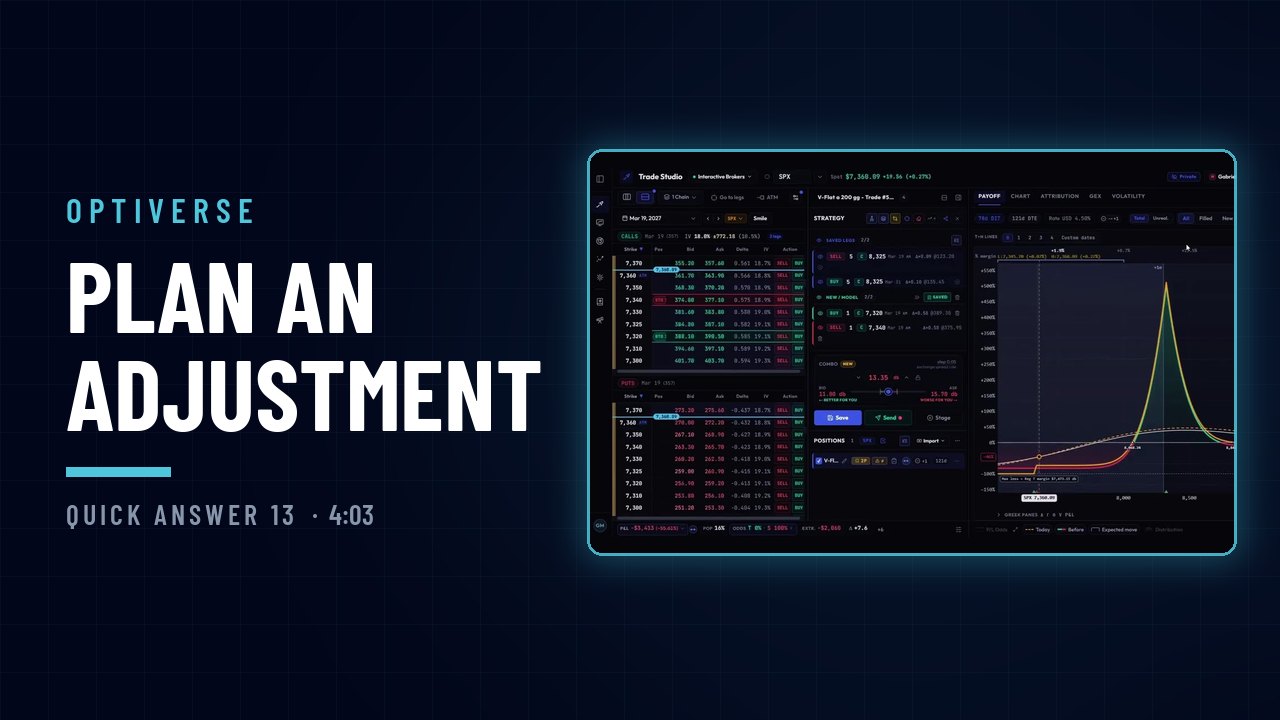
Video by the Optiverse team, shared with permission. Intro and outro by Steve Ganz.
37 days of Optiverse Premium free, or 10% off your first payment. Get Steve’s code →
Optiverse lets you plan an adjustment before you need it: draw the change next to the existing trade, compare both payoffs, and save the adjustment as a model so it’s ready if the market moves.
See a trade with its adjustment
With a trade open (the video uses a calendar spread), click the strikes you’d add or change. A button at the top shows the trade and the adjustment in a single view, so you see the payoff as it stands and the payoff with the adjustment. Select the adjustment to see how the payoff changes once it’s applied. You can keep editing the adjustment until it looks right.
Save the adjustment as a model
Adjustments can be saved as models, so the trade carries a ready-made adjustment you can place whenever you decide to. That suits traders who follow set rules and want the response planned before the market forces a decision. Trades with one or more legs saved as a model are marked with a symbol in your list.
The broker warning icon
A different icon is your broker saying it can’t find the trade in the selected account. In the video that’s because the trade was only drawn, never placed. Click the icon and Optiverse checks with the broker: if the trade is there, it offers to close it; if not, it tells you so, and you can close it manually. It’s a warning, not an error, and it doesn’t block anything.
A compact layout for complex trades
On small screens, trades with many legs don’t fit in the legs panel. A layout button moves your trades to the top left and your positions to the top right, so you see them without scrolling. Panels can be expanded or reset with one click.
Related: save trades as models; read the payoff chart and Greeks.
Optiverse is a tool, not a trading system. It shows you the trade and its risk; the decisions stay yours.
Steve’s code
Get your Optiverse discount code and free trial
37 days of Optiverse Premium free, or 10% off your first payment. Pick one; they don’t combine. The free trial needs no credit card. Optiverse’s standard trial is 7 days.
Disclosure: Steve Ganz is under contract with Optiverse as a beta tester, launch partner and affiliate, and earns a commission when you subscribe with his code. You never pay more than buying direct from Optiverse.
Educational content only, not financial advice. Options trading involves risk of loss, and past performance does not guarantee future results.