
Managing trades
How do I save a trade for later in Optiverse?
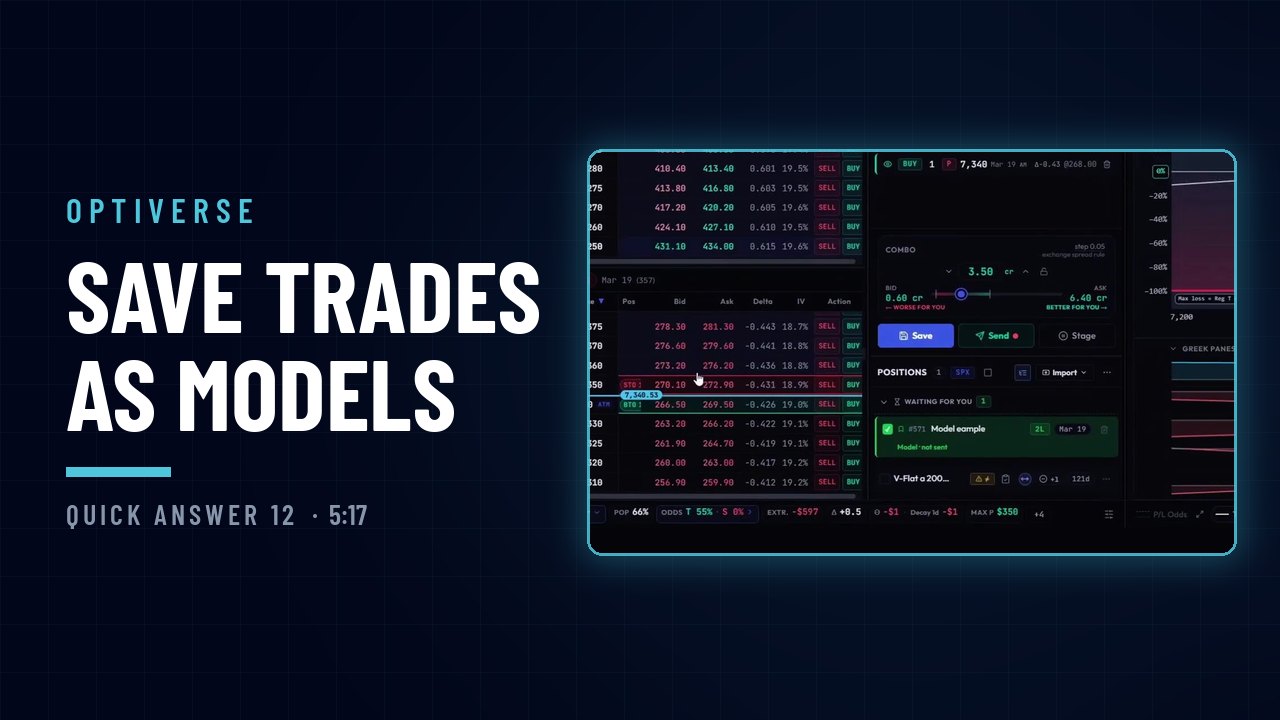
Video by the Optiverse team, shared with permission. Intro and outro by Steve Ganz.
37 days of Optiverse Premium free, or 10% off your first payment. Get Steve’s code →
In Optiverse, a trade you’ve drawn but aren’t ready to place is saved as a model. Models are for trades you’d only place in certain conditions, or that have to wait until other trades are done. When the time comes, placing one is a click away.
Save a model
Build the trade on the chain. Instead of Save or Send, click Save Model, give it a name and save it. The model appears in your list, and you can deselect it to hide it until you need it.
Models save automatically as you edit them, and they stay with your account: close the app, sign in later from another computer, and the model is still there.
Find a model on the chain
Go to Legs takes the chain straight to the model’s strikes.
Move or resize the whole trade
Controls at the top move the entire model at once: to another expiration, to a different quantity, or up or down by a strike. You can also widen or narrow the structure without touching the chain.
Add the underlying
You can add shares of the underlying to see stock alongside the options. On an index it can only be drawn; on stocks and ETFs, share orders can be sent from the Active Trader.
Share or delete
The share button creates a code or link that another Optiverse user can import: they click Import, enter the code and click Preview. Delete buttons remove the model or the trade when you’re done with it.
Related: plan adjustments and save them as models; paper trade a trade instead.
Optiverse is a tool, not a trading system. It shows you the trade and its risk; the decisions stay yours.
Steve’s code
Get your Optiverse discount code and free trial
37 days of Optiverse Premium free, or 10% off your first payment. Pick one; they don’t combine. The free trial needs no credit card. Optiverse’s standard trial is 7 days.
Disclosure: Steve Ganz is under contract with Optiverse as a beta tester, launch partner and affiliate, and earns a commission when you subscribe with his code. You never pay more than buying direct from Optiverse.
Educational content only, not financial advice. Options trading involves risk of loss, and past performance does not guarantee future results.